Hong Kong International Logistics and Transportation Fair: Connecting Global Trade Professionals
Practical steps to turn trade show meetings into usable leads: prepare tags and templates before the fair, scan and annotate cards on the spot, and follow up within 48 hours. Includes a clear workflow for digitizing business cards at the Hong Kong International Logistics and Transportation Fair.
At a large trade fair like the Hong Kong International Logistics and Transportation Fair you will meet dozens of vendors, partners, and potential customers in a short time. The hard part is not collecting names, it is turning those meetings into useful relationships. This article explains how to prepare, capture, organize, and follow up on contacts at the fair, with practical steps you can use on the show floor and afterward. Where relevant, I point out how a business card scanning app such as Boxcard fits into the workflow.
Quick note: this is focused on practical trade show work, not vendor overviews. If you want a short workflow to execute at the event, skip to the section "How to digitize business cards: step-by-step workflow."
Set clear objectives and target people
Before you go, define what a successful day looks like. Examples:
- Find three freight partners for a new lane.
- Collect 20 qualified leads that match your buyer persona.
- Meet two logistics startups working on technology you might pilot.
Translating goals into a list of target companies and job titles helps focus conversations, and it reduces the scatter that comes from trying to talk to everyone.
Practical preparation, two days ahead
- Research the exhibitor list and mark priority booths. Send short calendar invites for one-on-one meetings when possible.
- Install and test your tools: a reliable business card scanning app, a note app, and a charged phone. If you plan to use Boxcard, run a few test scans and create tags you will use at the fair.
- Prepare materials: a concise one-page leave-behind, a short LinkedIn message template, and physical cards ready to exchange.
- Plan how you will categorize contacts on site: for example, "follow up this week," "technical partner," "procurement decision maker." Decide the tags before scanning so your process is repeatable.
Collecting contacts efficiently on the show floor
Trade fairs are noisy and fast. Collecting accurate contact information during or immediately after each conversation makes follow-up practical.
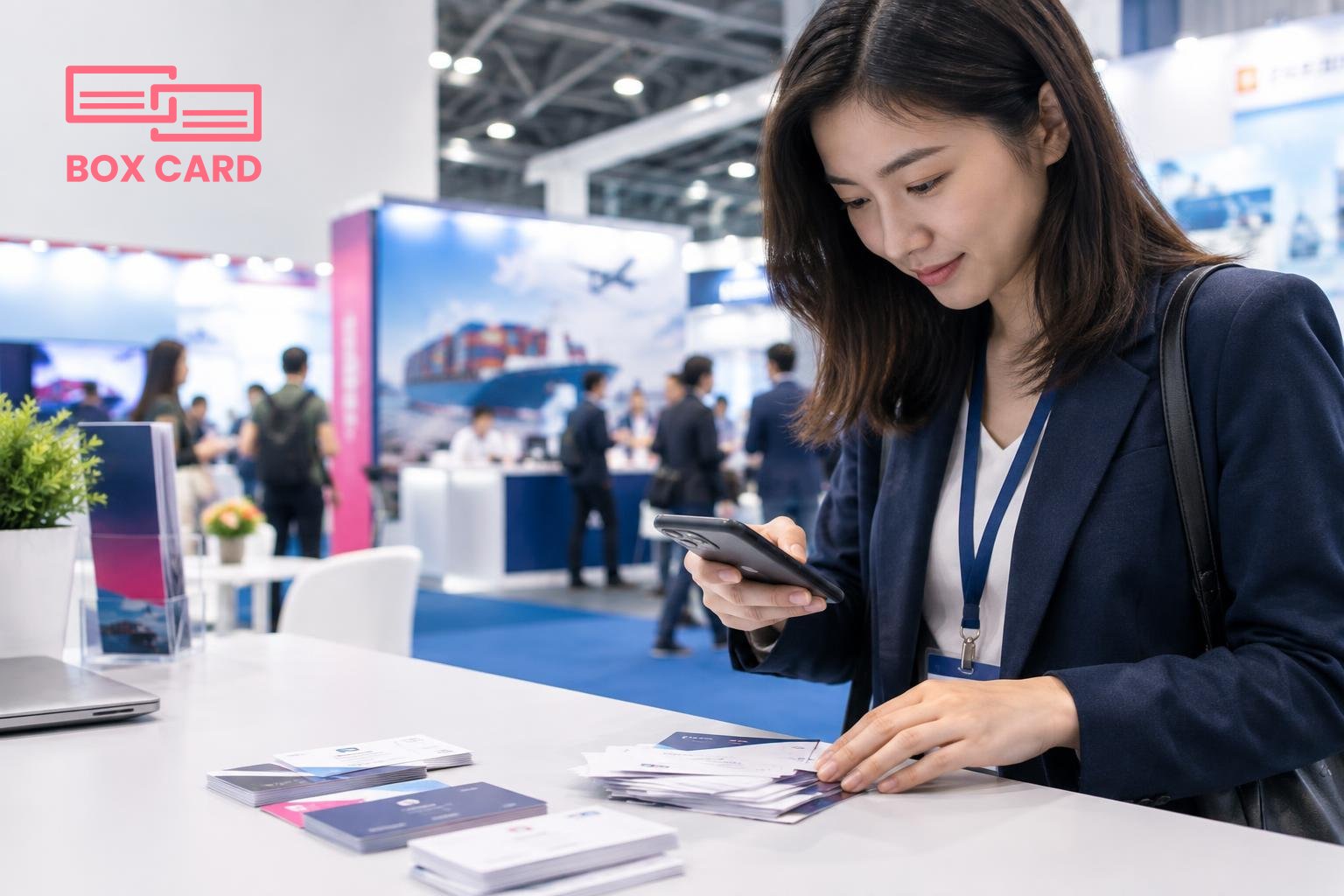
- Scan immediately: use a business card scanning app on your phone rather than taking notes by hand. Scanning one card at a time on a flat surface, under good light, gives the best results. Messy or angled photos reduce OCR accuracy.
- Add context while the person is still in front of you: tag their company, note what you discussed, and set a follow-up priority. Write a one-line reminder such as "discuss contract terms" or "book product demo."
- Use digital alternatives when offered: many exhibitors have QR codes or digital business card links. If you use a business card information sharing app, save the received contact immediately and attach a short note about the conversation.
- Take a quick booth photo or a picture of the person you met, and attach it to the contact. A visual cue helps recall later.
How to digitize business cards: step-by-step workflow
- Scan the card with your scanning app. If you are using Boxcard or another business card scanning app, confirm the fields were captured correctly.
- Correct OCR mistakes on the spot. Names, company names, and email addresses are the most important fields to check. If you wait until later, errors multiply.
- Add tags and a short note: the reason you met, next action, and urgency. Use one or two consistent tags so your post-show sorting is quick.
- Assign a follow-up action and a due date: email, call, demo, or internal handoff. Mark non-urgent contacts as "read later" so they do not clutter your task list.
- Export or sync contacts to the systems you use. Check whether the app supports CRM integration or CSV export so you can move qualified leads into your pipeline. If integration is not available, export a clean CSV and import it after the event.
Organizing and prioritizing after the fair
Within 48 hours sort contacts into three piles: immediate follow-up, nurture, and archive. Speed matters. Contacts you follow up with quickly remember the conversation and are more likely to respond.
- Immediate follow-up: send a personalized email or LinkedIn message referencing the meeting and the next step.
- Nurture: add contacts who are interesting but not ready to buy to a drip sequence or a monthly newsletter list.
- Archive: contacts with no clear connection can be stored for future recall, but keep them out of active sales queues.
Use tags you applied at the fair and create a simple lead score based on title, company size, and expressed need. A lightweight score lets you filter for the most promising conversations.
Follow-up templates and timing
Follow-up within two business days if you want a meeting. Use a short format that reminds the recipient who you are and what you agreed.
- Subject: Quick follow-up from HK Logistics Fair
- Message: Hi [Name], great to meet you at the Hong Kong International Logistics and Transportation Fair. I appreciated your point about [specific detail]. I can send a short proposal or schedule a 20-minute call next week. Which do you prefer? Best, [Your name]
For less urgent contacts, a LinkedIn request with a 1-sentence reminder works well. For vendors you plan to evaluate, attach a brief questionnaire so you get comparable information fast.
Tools and features to check before you choose an app
- Accuracy: evaluate OCR performance on a few real cards. A High-accuracy business card scanning app saves time on corrections.
- Speed and batch processing: on a busy day you may scan dozens of cards. Check whether the app supports rapid capture and quick edits.
- Export options: confirm support for CSV, vCard, or direct CRM export. If your CRM integration is limited, plan a manual import workflow.
- Sharing: if your team needs immediate access to contacts, a business card information sharing app or cloud option can let teammates see tagged leads quickly. If you prefer no-cost options, evaluate Free business card management tools but expect trade-offs in accuracy or export features.
Common relevant terms you may encounter when comparing tools include business card OCR app, business card digitization app, business card management app, and Boxcard scanning app. If you plan to use Boxcard for digitizing and organizing contacts, test how it fits your export or sync needs before the fair.
Common mistakes to avoid
- Delaying digitization. Letting a stack of cards sit for weeks makes recall unreliable.
- Not recording context. A name without a note is hard to act on later.
- Collecting cards without next steps. If you do not assign a follow-up, the contact will likely be forgotten.
- Relying only on physical cards when exhibitors offer digital options. Use whatever method is most reliable, and centralize entries afterward.
At the Hong Kong International Logistics and Transportation Fair you are trading time for relationships. The difference between a memorable meeting and a name lost in a pile is often a short note and a prompt follow-up. Your goal is to turn conversations into a small set of clear next actions and to capture accurate contact details while the interaction is fresh.
Practical next step: install your chosen business card management app, run three test scans with real cards, and create the tag list you will use at the fair. Arrive with a short follow-up template saved and a plan for when you will process new contacts each day.